An Instagram profile picture viewer opens the full-size version of an account's profile photo, the square image behind the small circle you see in the app. On InstaStory, paste a public @username into the profile picture viewer and the DP appears at its largest available size, ready to zoom into or download.
Instagram gives you no button for this, which is why so many people end up taking blurry screenshots. Below is why the app keeps profile photos so small, how to see and save them properly on any device, what happens with private accounts, and the everyday reasons people need a clear copy.
Why Instagram shows such tiny profile pictures
Profile photos on Instagram are designed as identity markers, not as images to study. They sit in a small circle next to a username, in comments, in the story tray and at the top of a profile. At that size they are easy to recognize and fast to load, which suits a busy feed.
The trade-off is that you never see the whole picture. The circle crops off the corners, and the app gives you no way to enlarge another person's profile photo. Tapping it usually opens their stories if they have any, and otherwise does nothing useful.
Behind that circle, though, Instagram keeps a larger square version of the image. It simply never shows it to you in the app. A profile picture viewer reaches that larger file directly.
Why screenshots do not work
Zooming into a screenshot is the most common workaround, and it is the worst one. A screenshot only captures what is drawn on your screen, which is the small thumbnail. Enlarging it stretches those few pixels, so faces turn soft and any text or logo becomes unreadable.
Screenshots also bring along the circular crop, the status bar and whatever else is on screen. Opening the actual image file avoids all of that and gives you a clean square photo.
How to use the Instagram profile picture viewer
The process takes a few seconds and works in any browser. There is no app to install and no account to connect.
- Copy the @username or the profile link of a public Instagram account.
- Open the InstaStory profile picture downloader on your phone, tablet or computer.
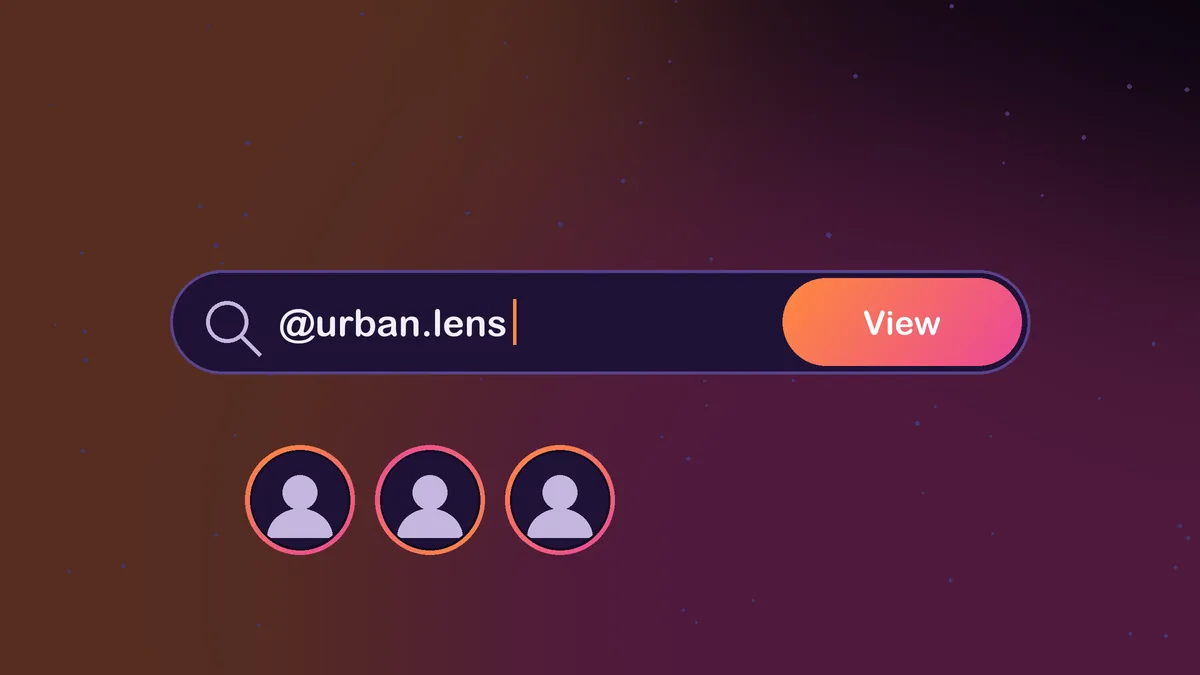
- Paste the username into the search box and submit.
- The profile picture opens at full size. Zoom in to check details the circle never shows.
- Tap download to save the image as a JPG.
Because InstaStory never logs in as you, the account owner gets no notification and has no way to know that someone looked at their photo. InstaStory also does not store the usernames you search.
What full size actually means
Full size here means the largest version of the photo that Instagram keeps, not a magically upscaled image. It is a square picture, so you will see the corners the circle hides. How sharp it looks still depends on what the owner uploaded: a crisp original stays crisp, while a photo that was already small or heavily compressed will not gain detail it never had.
Downloading on iPhone, Android and desktop
- iPhone: in Safari or Chrome, the saved image usually goes to the Downloads folder in the Files app. Open it, tap Share and choose Save Image to add it to Photos. On some versions you can also long-press the opened image and save it directly.
- Android: the image lands in your Download folder and shows up in the Downloads album of your gallery app.
- PC or Mac: it saves to your browser's default Downloads folder, ready to open in any photo app.
The same search also loads the rest of the public profile. If the account has active stories, highlights, posts or reels, you can open those tabs and save them the same way.
A note on private accounts
On Instagram, the small profile photo circle is visible to anyone, even when an account is set to private. That does not mean the rest of the account is open, and it does not change how InstaStory works.
InstaStory is built for public accounts only. If a profile is private, its picture cannot be opened or downloaded here, along with its stories, highlights, posts and reels. Any site that promises to unlock private profiles is making a claim no honest tool can back up, and it is often a lead-in to asking for your password or sending you through surveys.
Good reasons to view a DP in full size
- Checking for impersonators. Fake accounts often copy a real person's photo. A full-size image makes it much easier to compare details or run a reverse image search.
- Confirming you found the right person. Common names bring up many similar accounts. A clear look at the photo helps you pick the right one before you follow or message.
- Reading a logo. Business accounts often use a logo as their DP. Full size shows the actual design and any small text.
- Keeping your own photo. If you lost the original of your own profile picture, this is a quick way to get a clean copy back.
- Seeing the full image. Sometimes you just want to see the whole photo, not a cropped circle.
- Spotting a changed photo. When an account you know suddenly looks different, a full-size view helps you tell whether the owner updated their picture or whether you are looking at a copycat account using a similar name.
Using profile pictures responsibly
A profile picture is still someone's photo, and often their face. Viewing it is harmless, but think before reusing it. Do not post it elsewhere, use it on another account or put it in anything commercial without permission. For your own records or for checking a suspicious account, a private copy is fine.
If you want to go further than the profile photo, our guide on how to view Instagram stories anonymously explains how the same no-login approach keeps you off story viewer lists, and the story download guide covers saving stories on every device.
Bottom line: Instagram hides the full-size DP, but an Instagram profile picture viewer brings it back in seconds. Paste a public username, look at the real image instead of a blurry thumbnail, and save it if you need it.
Frequently asked questions
Does the person know I viewed their profile picture?
No. Instagram does not notify anyone when their profile picture is viewed, and InstaStory does not use your account, so there is no trace on their side.
Can I see a private account's profile picture in full size?
Not with InstaStory. The tool works only with public accounts, so private profiles, including their profile photos, cannot be opened here.
Why is my screenshot of a DP so blurry?
A screenshot captures the small thumbnail the app displays. Enlarging it stretches those pixels. Downloading the actual image file gives you the larger version.
Is the Instagram profile picture viewer free?
Yes. It is free to use with no limits, no sign-up and no app to install.