The reliable way to view Instagram stories anonymously is to open them through a tool that never logs in as you. Paste a public @username into InstaStory and the current stories load right in your browser, with no app, no sign-up and no name added to the owner's viewer list.
This guide explains why that works, walks through the exact steps, and compares the method with the two workarounds people usually try first: the airplane mode trick and a second account. It also covers the limits, because no honest tool can open a private profile.
Why Instagram knows who watched a story
Every time a logged-in account opens a story, Instagram records the view against that account. The owner can swipe up on the story and scroll through the names. That list stays available to them for about 48 hours: the 24 hours the story is live, plus another 24 hours in the archive insights.
The important words are logged in. Instagram can only add a name to the list if it knows who is watching. When the request does not come from your account, there is simply no name to record. Every legitimate anonymous method is built on that one fact.
It also explains why so many tricks fail. Anything that still runs inside your own Instagram session, however cleverly, gives the app a chance to connect the view to you.
How to view Instagram stories anonymously with InstaStory
Here is the full process. It takes under a minute the first time and only a few seconds after that.
- Find the username. Note the account's @username, or copy the full profile link from Instagram's share menu. Either format works.
- Open the viewer. Go to the InstaStory story viewer in any browser on a phone, tablet or computer. There is nothing to install.
- Paste and search. Drop the username or link into the search box and submit. The profile loads with tabs for Stories, Highlights, Posts and Reels.
- Watch the stories. The Stories tab shows everything posted in the last 24 hours. Tap through photos and videos at your own pace.
- Save what you want to keep. Each item has a download button that saves it as an MP4 or JPG on your device.
Because InstaStory never signs in with your account, Instagram has nothing to attach the view to. You do not appear in the viewer list, either while the story is live or later in the owner's archive. InstaStory also does not store the profiles you look up.
What you can see
- Active stories from the last 24 hours, both photos and videos
- Highlights pinned to the profile, which you can also browse on the dedicated highlights viewer
- Posts and reels from the profile grid
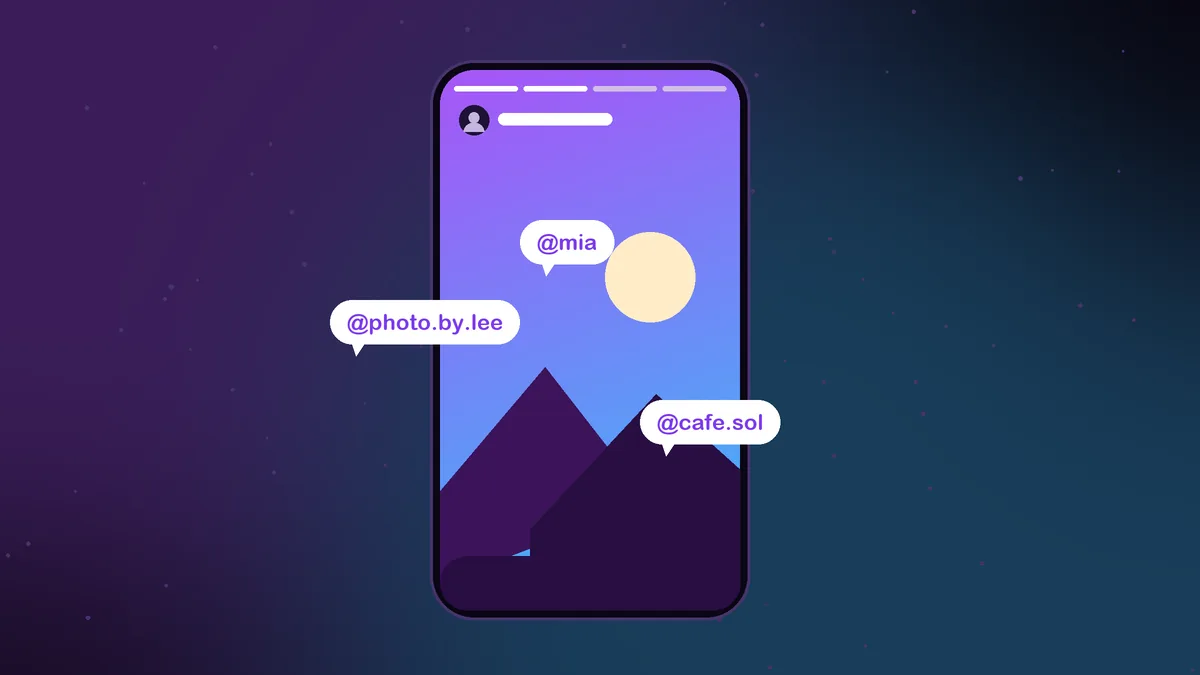
- Every account tagged or @mentioned inside a story, through the built-in story tag viewer
What you cannot see
Private accounts are off limits. A private profile shares its stories only with approved followers, and any site that claims to get around that is either not telling the truth or wants something it should not have, usually your password. Close Friends stories are never public either, so they will not show up anywhere outside the app.
Alternative 1: the airplane mode trick
This one has been passed around for years. You open Instagram, let the story tray preload, switch on airplane mode, then tap the story so it plays from the cached copy without contacting the server. It sounds clever, but it has real weaknesses.
- It only covers what already loaded. Instagram preloads a limited amount, so later stories in a sequence often refuse to play offline.
- The view may still be reported. Instagram does not document how cached views are handled. Once you reconnect, the app may send the view anyway, so you can never be sure it stayed hidden.
- You are logged in the whole time. The trick depends on your real account being open in the app, which is exactly what links a view to your name.
- It is tedious. You need to close the app fully before turning the connection back on, every single time.
Alternative 2: a second account
Another common approach is to make a separate Instagram account and watch from that. It keeps your main name off the list, but it is not actually anonymous. The secondary account still appears in the viewer list, and an unfamiliar profile with no posts and no photo tends to stand out rather than blend in.
It also brings upkeep. You have to switch profiles, remember another password and keep the account active. Depending on the phone number or email you sign up with, Instagram's suggestions may surface the new account to people who know you, which defeats the purpose.
Comparing the three methods
- InstaStory: no login, no name in the viewer list, works for every story currently live, and includes highlights and downloads. Public accounts only.
- Airplane mode: uses your real account, covers only preloaded stories, and the view may still register after you reconnect.
- Second account: hides your main name but adds a visible stranger to the list and requires managing another login.
If the goal is simply to watch without being seen, the logged-out route is the only one where no view is recorded at all. The other two reduce the risk; they do not remove it.
Tips for staying invisible
A viewer only protects you if you do not undo its work inside the app. Keep these habits in mind.
- Do not tap the story in Instagram too. One accidental tap while logged in adds you to the list, no matter how carefully you watched elsewhere.
- Skip replies and reactions. Both go through your account and land in the owner's messages.
- Watch out for shared stories in DMs. Opening a story that someone sent you inside the app counts as a normal view.
- Screenshots are not the issue. Instagram does not notify anyone when you screenshot a regular story. Notifications only apply to disappearing photos and videos sent in DMs.
- Save before it expires. If you may want another look later, download the story while it is live. Our guide to the Instagram story downloader covers every device.
For a deeper look at how the viewer list behaves, including replays and who appears where, read whether Instagram tells people you viewed their story.
Using anonymous viewing fairly
A public story is something the owner chose to share with everyone, and an anonymous viewer just leaves your name off a list. That is a reasonable thing to want, whether you are researching a brand, checking a competitor or simply not ready to engage.
Still, use it with some care. Do not repost other people's photos or videos as your own, and do not use any tool to keep watching someone who has blocked you or asked for space. If an account goes private, that is a clear signal, and InstaStory respects it by design.
To sum up: to view Instagram stories anonymously, skip the hacks and open stories through a viewer that never logs in. Paste a username, watch, save what matters, and stay off the list without giving up your password or installing anything.
Frequently asked questions
Will the person know I viewed their story through InstaStory?
No. InstaStory does not sign in with your account, so Instagram has no name to add to the viewer list. The owner sees nothing different on their side.
Can I view private Instagram stories anonymously?
No. Private stories are shared only with approved followers. No honest tool can show them, and any site that asks for your Instagram password to try should be avoided.
Do I need an Instagram account to use InstaStory?
No. You only need the username or profile link of a public account. The viewer works the same whether or not you have Instagram at all.
Does airplane mode really hide my view?
Not reliably. It only works for stories that already preloaded, and since you stay logged in, the view may still be sent when you reconnect.
Is InstaStory free to use?
Yes. It is free with no limits on how many profiles you look up, and there is no sign-up or app to install.