To see who is tagged in an Instagram story, you can tap each mention inside the app, or paste the account's username into the story tag viewer on InstaStory, which lists every tagged and @mentioned account in one place. The second option also catches mentions that are tiny or hidden, and it works without logging in.
Tags are easy to miss. Some are covered by stickers, some are shrunk to a dot, and some vanish into the background on purpose. Below is how story tags work, why they hide so well, how the tag viewer finds them, and a few practical reasons to use it.
How tags and mentions work in Instagram stories
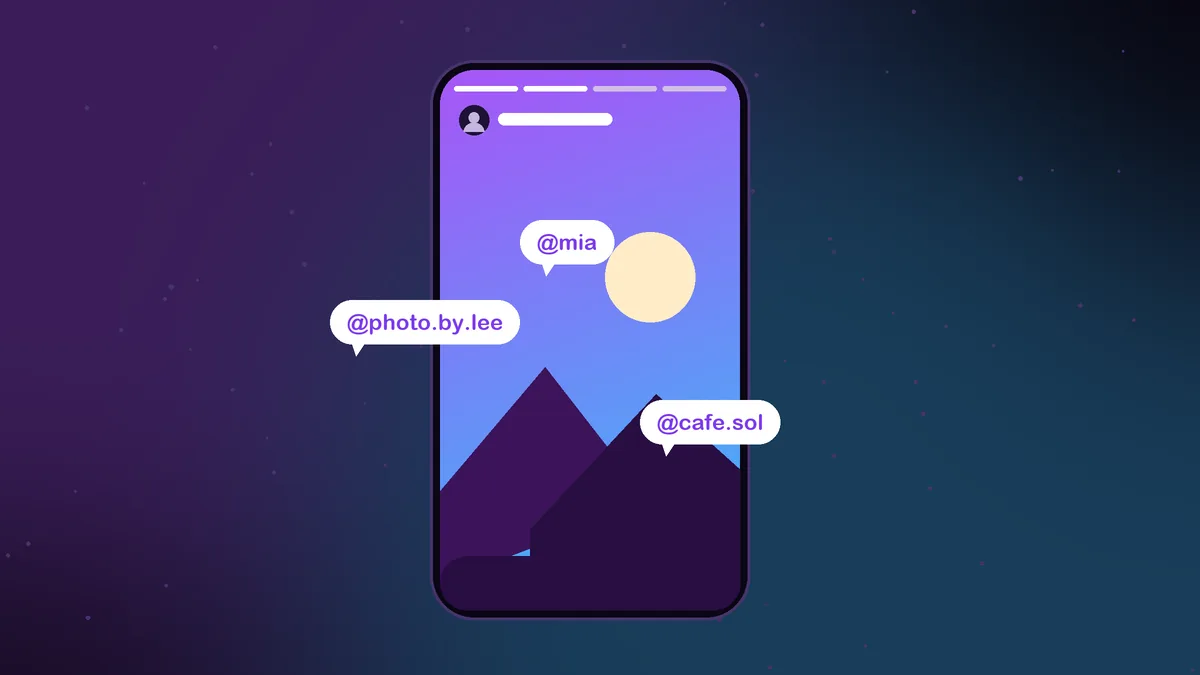
A story creator can point to another account in two main ways. The first is the mention sticker, which places a tappable @username on the story. The second is typing an @username into regular story text, which Instagram turns into a link to that profile.
Either way, the result is the same: the story now carries a reference to the other account. Viewers can tap it to visit that profile, and the tagged account receives a notification that it was mentioned, often with an option to share the story to its own followers.
This is why mentions are so common. Brands tag collaborators, friends tag each other at events, and creators credit photographers, venues and other creators they work with.
Why some story tags are hard to find
Instagram lets creators resize, rotate and recolor mentions, and many take full advantage of that. A tag can still notify the account and still be technically present while being nearly invisible to anyone watching.
- Shrunk to almost nothing. A mention can be pinched down until it is a tiny speck in a corner.
- Hidden under stickers. Creators often place a GIF, emoji or photo sticker on top of the mention to keep the story clean.
- Matched to the background. Text colored the same as the photo behind it blends in completely.
- Pushed to the edge. A tag dragged partly off the frame can be hard to spot and harder to tap.
People do this mainly for looks. They want to credit or notify someone without cluttering the picture. The side effect is that casual viewers rarely see who was actually tagged.
Checking tags inside the Instagram app
In the app, visible mentions can be tapped to show a small bubble with the profile name. That works fine for obvious tags, but it has two downsides. You need to find each tag by hand, which is close to impossible when it is hidden. And because you are logged in, opening the story adds you to the owner's viewer list.
If neither of those matters to you, the app is enough. If you want a full list without hunting, or you would rather not appear as a viewer, a tag viewer is the better tool.
How to see who is tagged in an Instagram story with InstaStory
The story tag viewer is built into the InstaStory story viewer, so there is no separate page to find. Here is the process.
- Copy the @username or profile link of the public account that posted the story.
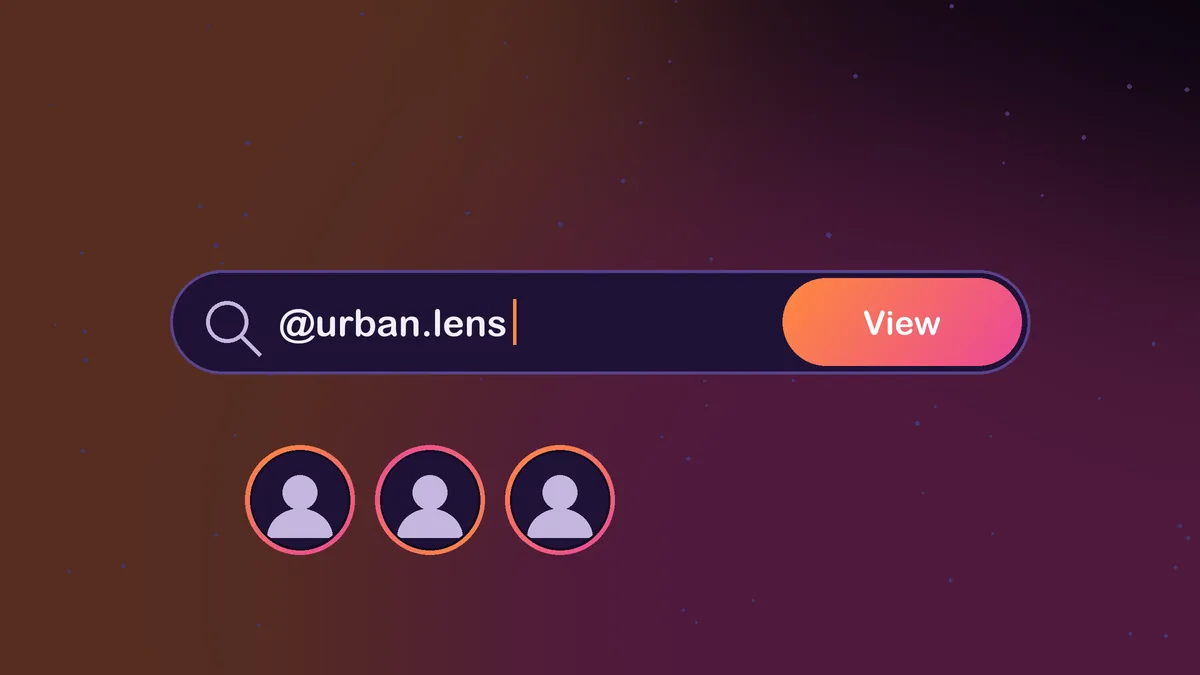
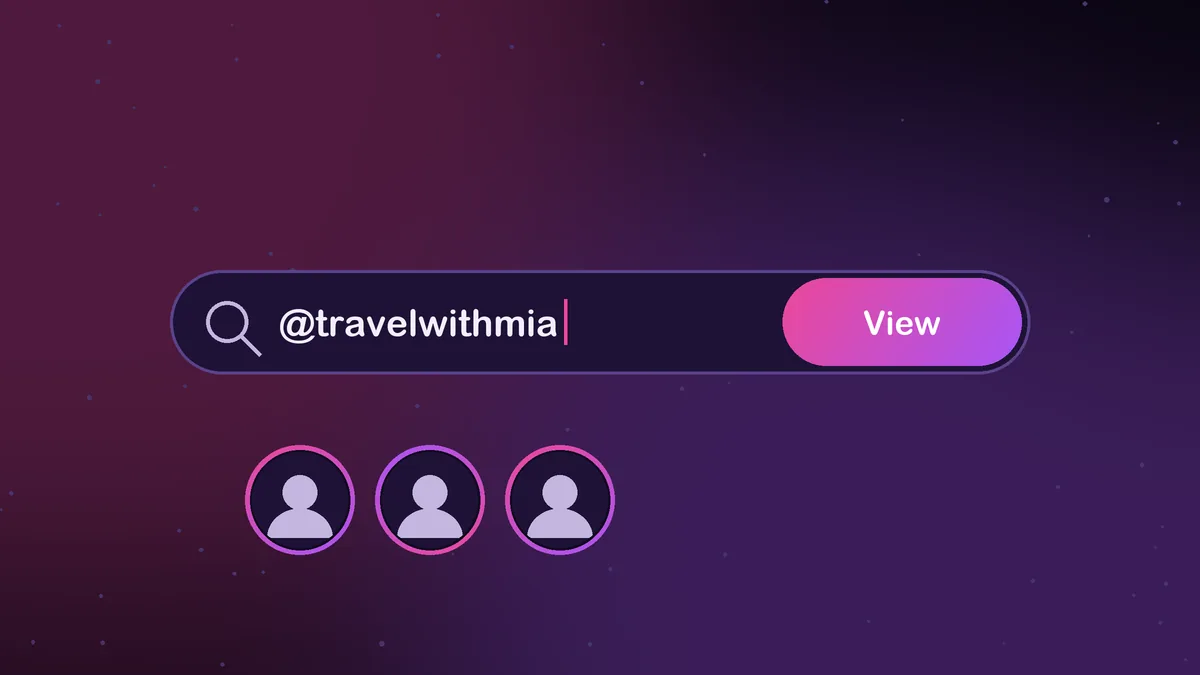
- Open InstaStory in your browser and paste the username into the search box.
- Open the Stories tab to see everything posted in the last 24 hours.
- On any story that contains tags, open the tag list. Every account that was tagged or @mentioned is shown by name.
- Tap any listed account to go straight to that profile.
The list comes from the story itself rather than from what is visible on screen, so a mention that is covered, shrunk or colored to blend in still shows up. Because InstaStory never signs in as you, checking tags does not add you to the owner's viewer list.
Timing matters here. Stories disappear from public view after 24 hours, so the tag list is something to check while the story is live. If the owner later saves that story to a highlight, you can still watch it through the highlights viewer, but for regular stories the window is one day.
A few habits make the tag list more useful. Note down a handle as soon as you find it, since the story will not wait for you. If several stories in a row tag the same account, that usually points to a real partnership rather than a one-off shout-out. And if a tagged name looks unfamiliar, open the profile before following it, because similar usernames are common.
Practical uses for a story tag viewer
- Finding the brand. When an influencer shows an outfit, a gadget or a skincare product, the brand account is often tagged somewhere in the frame. The tag list gives you the exact handle.
- Crediting a photographer. Great shots usually tag the person behind the camera. Finding them is useful if you want to book them or follow their work.
- Discovering similar creators. Creators tag the people they collaborate with, which is a natural way to find related accounts in a niche.
- Figuring out who was there. Group photos and event stories tend to mention the friends involved, so you can put names to faces.
- Researching partnerships. Marketers can see which accounts a creator or business works with by checking who keeps appearing in their story tags.
Limits worth knowing
A tag viewer can only report what is actually in the story. It is not a way around privacy settings.
- Public accounts only. Stories from private profiles are shared with approved followers, so their tags cannot be checked here.
- Mentions, not guesses. If a person appears in a story but was never tagged, there is nothing to list. The tool does not identify faces.
- Live stories and highlights. Once a story expires and is not saved to a highlight, it and its tags are gone from public view.
For most everyday questions, such as which brand that was, who took that photo, or who that friend is, a quick look at the tag list answers it in seconds. It is the easiest way to see who is tagged in an Instagram story without squinting at stickers or tapping around the screen.
If you also want to save the story itself, our guide to downloading Instagram stories covers iPhone, Android and desktop.
Frequently asked questions
Does the tagged account know I checked the tags?
No. Neither the poster nor the tagged account is notified, and InstaStory does not add you to the story's viewer list.
Can the tag viewer find hidden mentions?
Yes. It reads the mentions attached to the story, so tags that are tiny, covered by a sticker or colored to match the background are still listed.
Does it work on private accounts?
No. InstaStory works only with public accounts. Stories from private profiles, including their tags, stay visible only to approved followers.
How long can I check the tags on a story?
For as long as the story is live, which is 24 hours from when it was posted. After that it leaves public view unless the owner saves it to a highlight.