An Instagram highlights viewer lets you open the highlight reels on a public profile without logging in and without showing up as a viewer. On InstaStory you paste a username, open the Highlights tab, and every highlight loads in your browser, ready to watch or download.
Highlights matter more than most people realize. They are the only place where a public account's older stories remain visible after the usual 24 hours. This guide covers what highlights are, how to view them quietly, how to save them, and what they can and cannot show you.
What Instagram highlights are
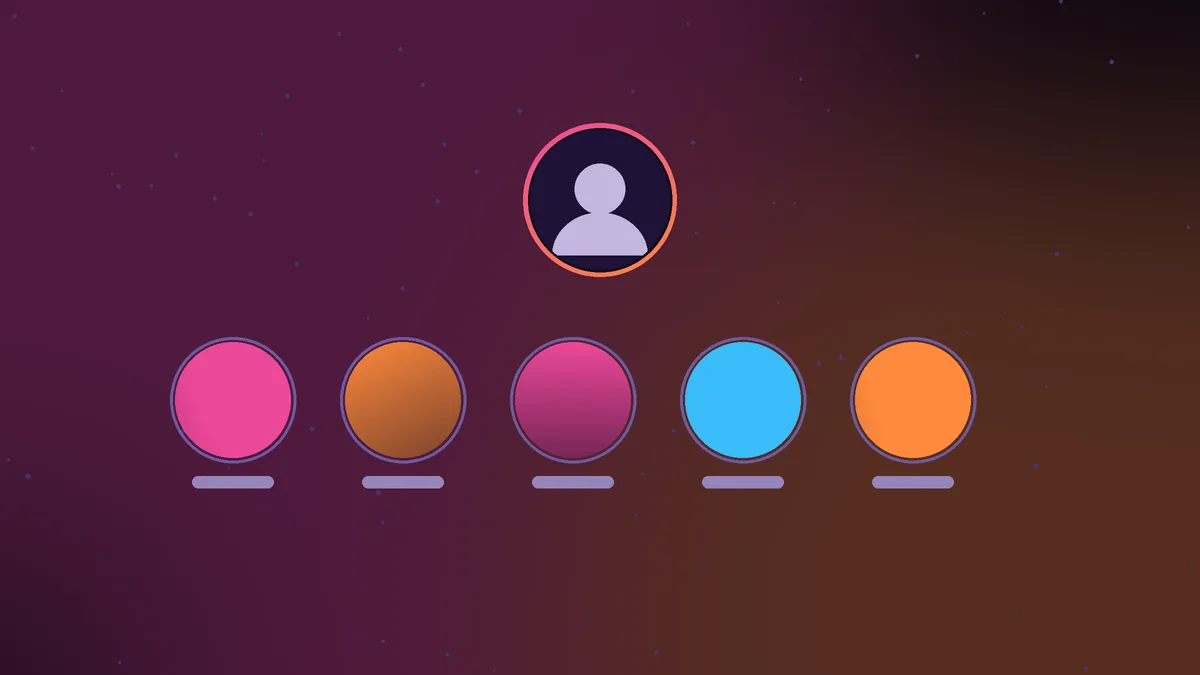
A regular story lasts 24 hours and then moves to the owner's private archive. A highlight is a collection of stories that the owner chooses to pin to their profile. Highlights appear as a row of circles just below the bio, each with a cover image and a short title like Travel, Menu or FAQ.
Owners can add any story from their archive to a highlight at any time, even one from years ago. A highlight can hold a single story or a long run of them, and it stays on the profile until the owner edits or deletes it.
For businesses and creators, highlights often work like a permanent menu: product lines, reviews, event recaps, prices or behind the scenes clips. For personal accounts, they tend to be trips, milestones and favorite moments.
How to use an Instagram highlights viewer anonymously
Watching highlights in the Instagram app works fine, but it happens under your account. InstaStory gives you the same content without any login. Here is how.
- Copy the @username or the profile link of a public account.
- Open the InstaStory highlights viewer in any browser.
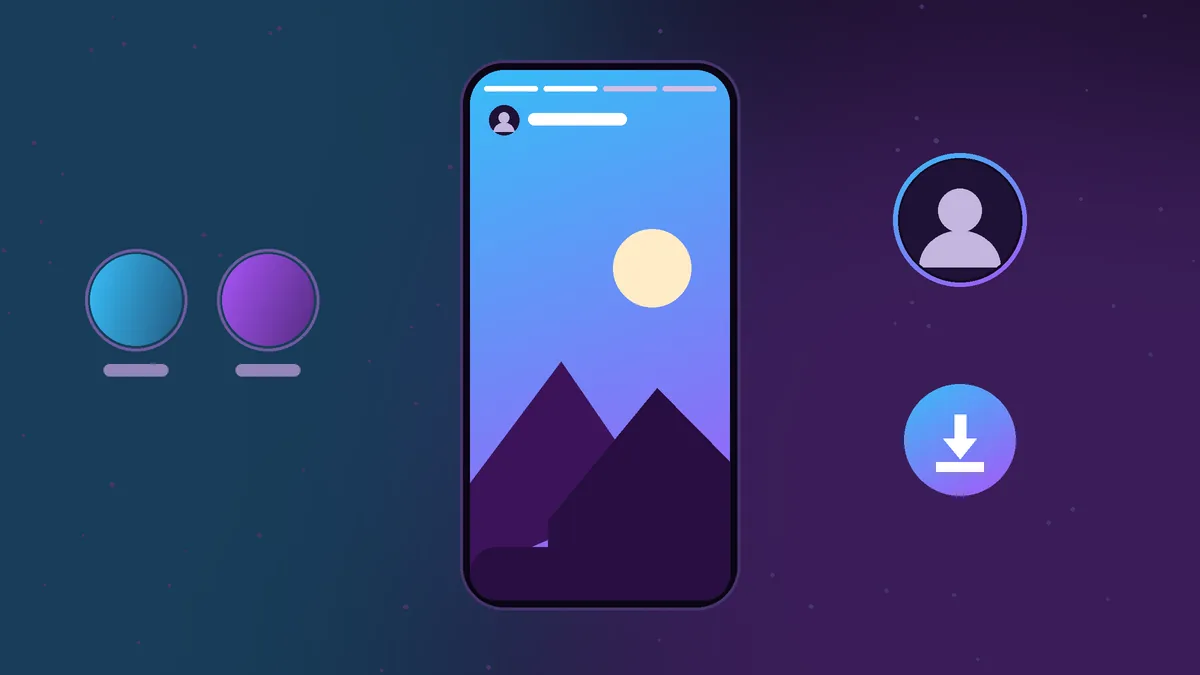
- Paste the username and search. The profile loads with tabs for Stories, Highlights, Posts and Reels.
- Open the Highlights tab. Each highlight is shown with its cover and title.
- Tap a highlight to play its stories in order, or jump straight to the one you want.
Since InstaStory never signs in as you, nothing you watch is connected to your Instagram account. The tool also does not keep a record of the profiles you look up.
A note on highlight views in the app
When you watch a highlight inside Instagram while logged in, you are viewing it as yourself. The owner's named viewer list for a story is tied to its first 48 hours, so whether a highlight view shows up depends on how recently that story was posted. A logged-out viewer removes the question entirely.
How to download highlights
Every story inside a highlight has its own download button on InstaStory. Video stories save as MP4 files and photo stories save as JPG files, which open on any phone or computer.
- On iPhone: the file usually goes to the Downloads folder in the Files app. Tap Share, then Save Video or Save Image to add it to Photos.
- On Android: the file lands in your Download folder and appears in the Downloads album of your gallery app.
- On PC or Mac: it saves to your browser's default Downloads folder.
Our full Instagram story downloader guide walks through each device step by step if you get stuck.
Why highlights are the way to see old stories
Every story follows the same timeline. It goes live, stays visible for 24 hours, and then disappears from public view into the owner's archive. Only the owner can open that archive. Nobody else, and no outside tool, can reach it.
The one exception is a story the owner has added to a highlight. That copy stays public for as long as the highlight exists, whether that is a day or several years. So if you are trying to find something an account posted last month, the highlights row is the first and realistically the only place to look.
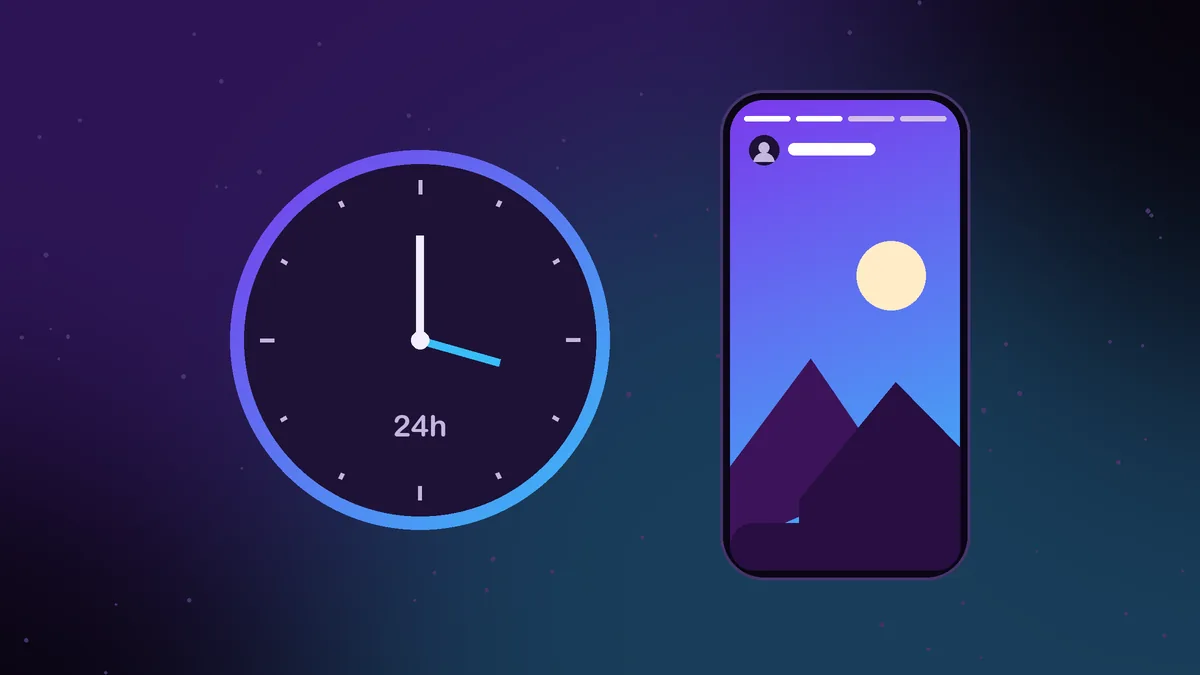
If a story you remember is not in any highlight, it is gone from public view. We explain the full life cycle of a story, and what the owner can still recover on their side, in how to see old Instagram stories.
Practical ways people use highlights
- Checking a business. Many shops and restaurants keep reviews, prices and opening details in highlights. Viewing them anonymously lets you research before you reach out.
- Planning a trip. Travel highlights from hotels, guides and locals often show the real look of a place better than polished posts.
- Following a creator's work. Photographers and artists often group past projects into highlights, which makes them an easy portfolio to browse.
- Saving useful guides. Tutorials, recipes and how-to series are common highlight topics, and downloading them keeps a copy you can revisit.
Tips for browsing highlights
Some accounts keep dozens of highlights, and a few of those hold a hundred stories or more. A little strategy saves time.
- Start with the cover titles. Owners usually name highlights by topic, so the title tells you where to look before you tap anything.
- Expect the oldest stories first. Inside a highlight, stories normally play in the order they were originally posted, so recent additions sit near the end.
- Check back occasionally. Owners add new stories to existing highlights all the time, so a highlight you saw last month may have grown.
- Save as you go. A highlight can be edited or deleted without warning. If something is useful, download it rather than relying on it staying there.
What a highlights viewer cannot do
Honest limits are worth stating plainly. An Instagram highlights viewer can only show what the account has made public.
- No private accounts. If a profile is private, its highlights are visible only to approved followers.
- No Close Friends content. Stories shared to a Close Friends list are never public, even inside highlights.
- No deleted highlights. Once the owner removes a highlight or a story from it, that content is no longer available.
- No archive access. Stories that were never added to a highlight stay in the owner's private archive.
Within those limits, an Instagram highlights viewer is the simplest way to see a public account's older stories, browse them without a trace and keep copies of the ones worth saving. Paste a username and open the Highlights tab to start.
Frequently asked questions
Can people see that I viewed their highlights through InstaStory?
No. InstaStory does not use your Instagram account, so there is no name to add to any viewer list.
How long do Instagram highlights last?
Until the owner removes them. Unlike regular stories, highlights do not expire after 24 hours.
Can I view highlights from a private account?
No. InstaStory works with public profiles only, and private highlights remain visible only to approved followers.
Why can't I find a story that was posted last week?
Regular stories leave public view after 24 hours. If the owner did not add it to a highlight, only they can see it in their archive.
Do I need to install anything to view highlights?
No. InstaStory runs in the browser on iPhone, Android, PC and Mac with no app and no sign-up.